


Photovoltaic systems
Photovoltaic systems have been installed on the roofs of Kevelaer's schools, two sports halls and the Keylaer waterworks, generating CO2-neutral electricity and thus making an active contribution to climate protection. Stadtwerke Kevelaer financed and took over the construction and operation of eight systems in the fall of 2009.
The amount of electricity produced and CO2 emissions avoided can be monitored directly on site using display screens.
Photovoltaic system at the Sternschnuppe Klinkenberg family center
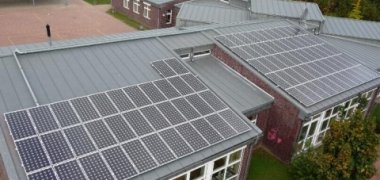 Stadtwerke Kevelaer
Year of construction 2009
System output 16.2 kWp
Average annual yield 14,500 kWPhotovoltaic system at Kervenheim elementary school
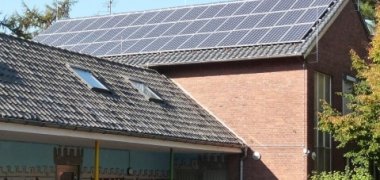 Stadtwerke Kevelaer
Year of construction 2009
System output 9.2 kWp
Average annual yield 9,000 kWPhotovoltaic system at Winnekendonk elementary school
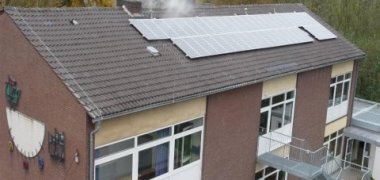 Stadtwerke Kevelaer
Year of construction 2009
System output 8.1 kWp
Average annual yield 7,000 kWPhotovoltaic system at St. Antonius Kevelaer elementary school
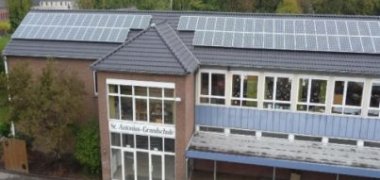 Stadtwerke Kevelaer
Year of construction 2009
System output 19.4 kWp
Average annual yield 18,000 kWSt. Hubertus Kevelaer elementary school photovoltaic system
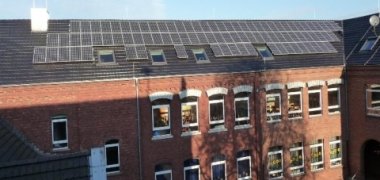 Stadtwerke Kevelaer
Year of construction 2009
System output 16.2 kWp
Average annual yield 15,000 kWPhotovoltaic system at St. Franziskus Twisteden elementary school
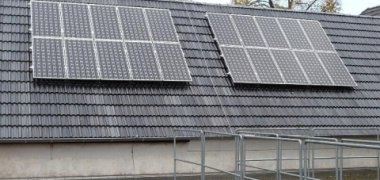 Stadtwerke Kevelaer
Year of construction 2009
System output 3.6 kWp
Average annual yield 2,500 kWPhotovoltaic system Städt. Catholic elementary school Wetten
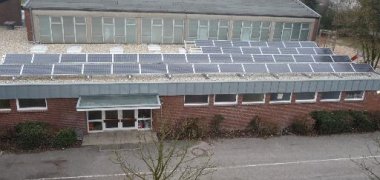 Stadtwerke Kevelaer
Year of construction 2009
System output 8.1 kWp
Average annual yield 7,500 kWPhotovoltaic system for double gymnasium at Hüls school center
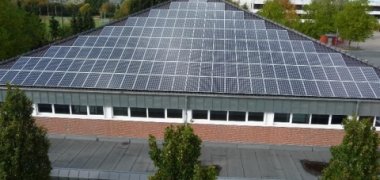 Stadtwerke Kevelaer
Year of construction 2009
System output 28.8 kWp
Annual average yield 29,000 kWPhotovoltaic system Keylaer waterworks
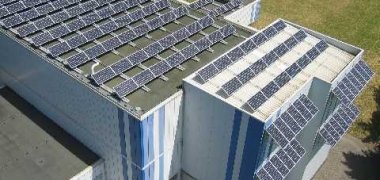 Stadtwerke Kevelaer
Year of construction 2008
System output 25.0 kWp
Annual average yield 23,000 kW