

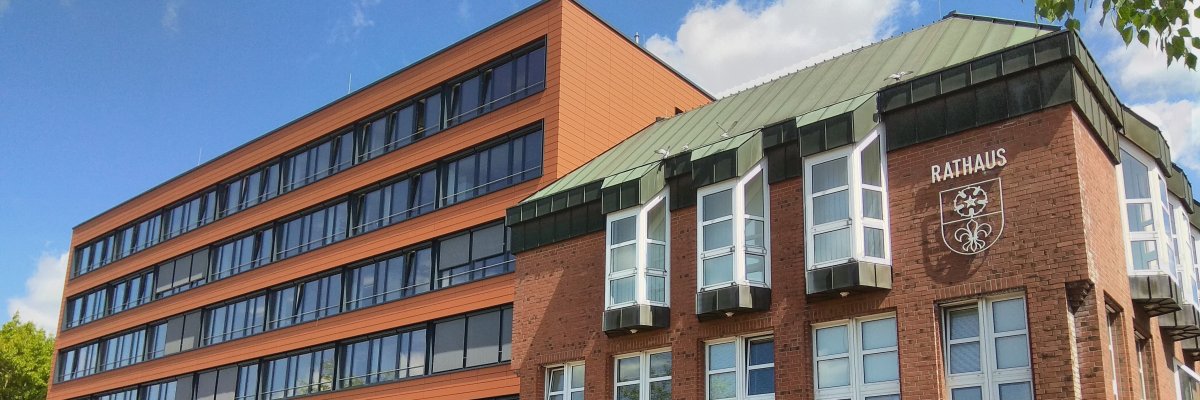
City administration building of the Stadtkevelaer

Environmental protection

Competition to award prizes for nature-oriented gardens

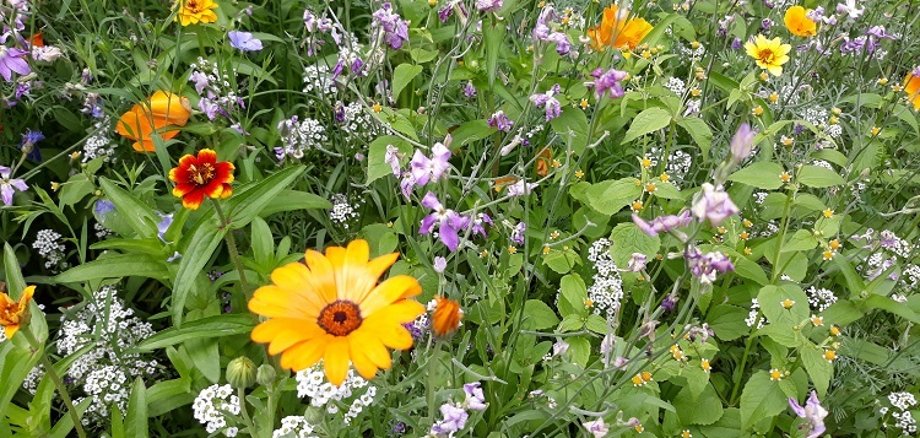
The aim is to encourage Kevelaer citizens to make their gardens insect-friendly and to promote more environmentally friendly front gardens.

We are looking for amateur gardeners who already have a front garden that is not only beautiful to look at, but is also close to nature and serves as a habitat for songbirds, butterflies, bees, bumblebees and other insects. Places 1 to 3 will receive attractive KevelaerCards worth between 50 and 150 euros as prizes.

Applications for insect-friendly front gardens can be sent to umweltschutz@kevelaer.de from 01.07.2024 to 31.08.2024. Participants should send two photos and a brief description of the front garden as well as their contact details and address. Interested parties can also find further information and tips on designing nature-friendly gardens at www.kevelaer.de/vorgartenwettbewerb.

No employees found.

Help with accessibility

  • General

    We endeavor to make our websites accessible. You can find details on this in our accessibility statement. You can send us suggestions for improvement via our feedback form Report accessibility.

  • Font size

    To adjust the font size, please use the following key combinations:

    Larger

    ⌘command
    +

    Smaller

    ⌘command

    Larger

    Ctrl
    +

    Smaller

    Ctrl
  • Keyboard navigation

    Use TAB and SHIFT + TAB to navigate through next/previous links, form elements and buttons.

    Use ENTER to open links and interact with elements.

  • Contrast mode

    Press the following key combination to reduce or increase the contrast:

    Enlarge

    ⌃control
    ⌥option
    ⌘command
    .

    Decrease

    ⌃control
    ⌥option
    ⌘command
    ,
    Note: The shortcuts must be activated in the system settings of the operating system.

    Press the left ALT key + left SHIFT key + PRINT to quickly switch the high contrast mode on or off.

  • Invert colors

    Press the following key combination to switch the color inversion on and off:

    ⌃control
    ⌥option
    ⌘command
    8
    Note: The shortcuts must be activated in the system settings of the operating system.

    First activate the screen magnifier and then switch the color inversion on and off with the following key combinations:

    1. screen magnifier

    +

    2. invert colors

    Ctrl
    Old
    I
  • Screen magnifier

    Press the following key combinations to use the screen magnifier:

    Switch on/off

    ⌥option
    ⌘command
    8

    Enlarge view

    ⌥option
    ⌘command
    =

    Reduce view

    ⌥option
    ⌘command
    Note: The shortcuts must be activated in the system settings of the operating system.

    Switch on / Enlarge view

    +

    Reduce view